

On-site Support
Wi-Fi 7: When Is an Upgrade Worth It?
Wi-Fi 7 can improve capacity, latency and reliability, but coverage, cabling and client compatibility decide whether it is worth the cost.
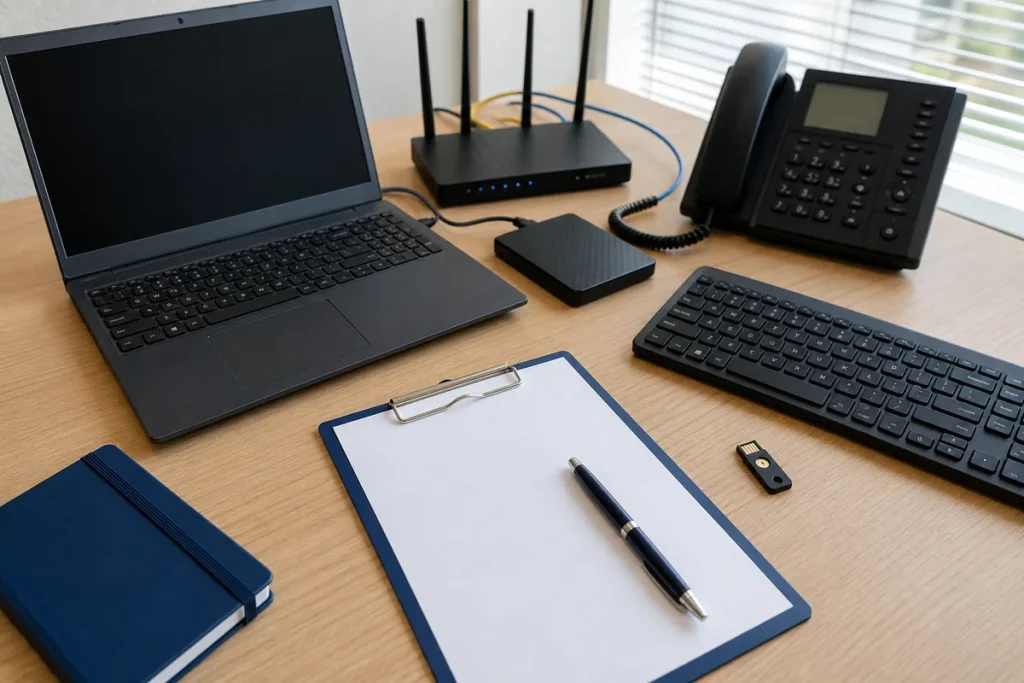
Wi-Fi 7 brings useful engineering improvements, but a new router cannot change the laws of distance, walls and interference. For many homes and small businesses, better access-point placement or a wired connection will make a larger difference than changing the Wi-Fi generation printed on the box.
What Wi-Fi 7 Adds
Wi-Fi 7 is based on IEEE 802.11be. Important features include wider channels up to 320 MHz where spectrum and hardware allow, 4K QAM for higher peak throughput, and Multi-Link Operation, which can use more than one link to improve throughput, latency or reliability. Preamble puncturing can also make better use of a wide channel when part of it is affected by interference.
Those are capabilities, not guaranteed real-world speeds. A client device, access point, regulatory environment and network design all need to support the relevant feature.
Good Reasons to Consider an Upgrade
- You have several Wi-Fi 7 laptops or phones and a workload that can use the extra capacity.
- A 500 Mbps, gigabit or faster service is being held back by older wireless equipment.
- Local transfers to a server or network storage are important.
- Latency and reliability matter for calls, collaboration, gaming or production work.
- You are already replacing failed or unsupported network equipment.
Reasons to Keep Good Wi-Fi 6 Equipment
If most devices are Wi-Fi 5 or Wi-Fi 6, the internet plan is modest and the existing network is stable, Wi-Fi 7 may provide little immediate benefit. Older clients remain connected using their own supported generation; they do not gain every Wi-Fi 7 feature merely because the router changed.
6 GHz Is Fast but Not Magic
Wi-Fi 6E and Wi-Fi 7 can use 6 GHz spectrum where permitted and supported. It offers additional clean capacity, but higher frequencies generally have more difficulty passing through walls. A single powerful router at one end of a building may be less effective than multiple well-placed access points with good backhaul.
Check the Wired Side
A fast wireless link can still be limited by a 1 Gbps Ethernet port, an old switch, poor cable or slow mesh backhaul. For multi-gigabit performance, inspect the entire path from NBN equipment or internet hand-off through the router, switch, access point and client. Power-over-Ethernet standards and cabling may also affect business access-point choices.
Measure Before You Buy
- Test a capable computer by Ethernet near the router.
- Test Wi-Fi in the actual work areas at busy times.
- Record coverage gaps, latency, drop-outs and active device count.
- Check which client devices support Wi-Fi 6E or 7.
- Decide whether the problem is internet speed, radio coverage, interference or the wired network.
Choose Design Before Marketing Numbers
For a small office, a site-aware plan usually beats the most expensive consumer router. Consider floor layout, walls, neighbouring networks, guest access, staff separation, security updates and how equipment will be managed. A Wi-Fi 7 upgrade is worthwhile when it solves a measured need and the supporting network can use it.
Practical note: Peak Wi-Fi rates are laboratory-style physical-layer figures, not an internet-speed promise. Real throughput is lower and shared between devices.
Sources & Further Reading
- Cisco: What Is Wi-Fi 7?
- Intel: Wi-Fi 7 Features and Compatibility
- Qualcomm: Wi-Fi 7 Technology Overview
Product capability and spectrum availability vary by model and country. Check Australian specifications and design the network for the premises.