

On-site Support
Home Wi-Fi Troubleshooting Checklist
Separate internet-service faults from Wi-Fi coverage, device and router problems before changing plans or equipment.
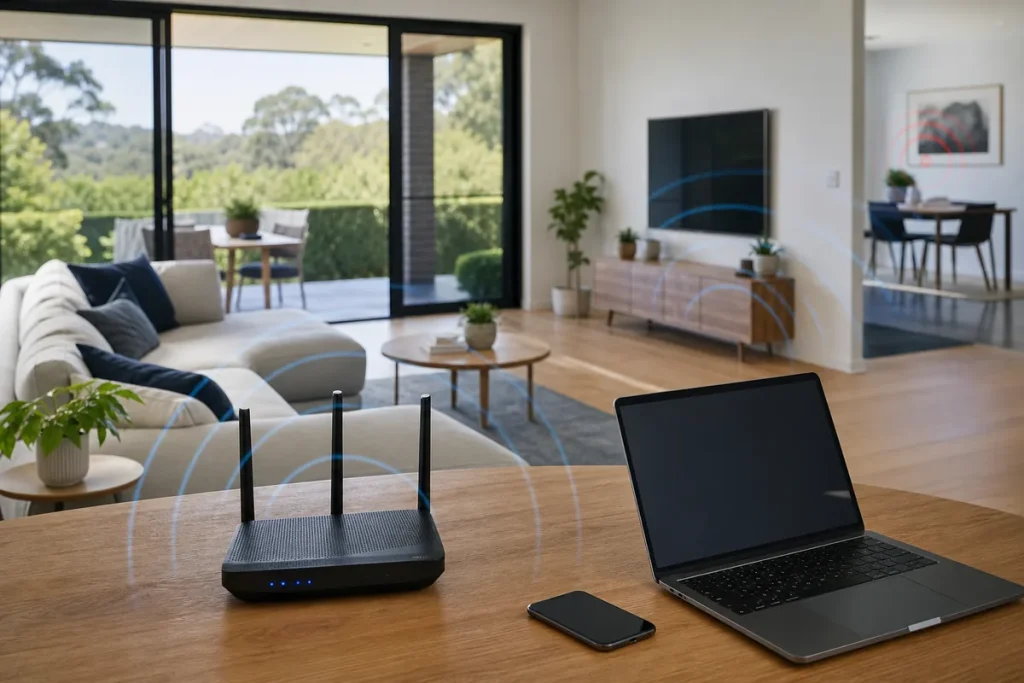
Wi-Fi is the local wireless connection inside the property; the internet service is the connection beyond it. A weak signal in one room and a provider outage need different fixes.
Narrow Down the Fault
- Check the provider’s outage or service-status information.
- Test multiple devices and more than one website or app.
- Note whether the issue affects all rooms or one location.
- Check modem and router indicator lights without factory-resetting.
- Use a wired test with a suitable device and cable where safe and practical.
Review Wi-Fi Conditions
- Place the router or access point openly and centrally where possible.
- Keep it away from enclosed cabinets, large metal objects and obvious interference.
- Check whether old devices or repeaters limit performance.
- Use separate, secured guest access where appropriate.
- Record weak areas, busy times and the number of connected devices.
Restart Carefully and Record Results
Use the provider or manufacturer’s normal restart process, allow equipment to reconnect and retest. Avoid a factory reset unless configuration and credentials are available, because it can remove provider and Wi-Fi settings.
Practical note: Speed-test results vary with the device, Wi-Fi conditions, server, plan, network load and connection technology. Run comparable tests rather than relying on one result.
Sources & Further Reading
This guide provides general information, not a diagnosis, guarantee or substitute for advice based on your specific devices, systems, contract or site. Confirm scope, inclusions and pricing before making a service decision.