

Websites
Website Accessibility Checklist for Small Business
Use a practical first-pass checklist for keyboard access, headings, contrast, forms, images, motion and mobile layout.
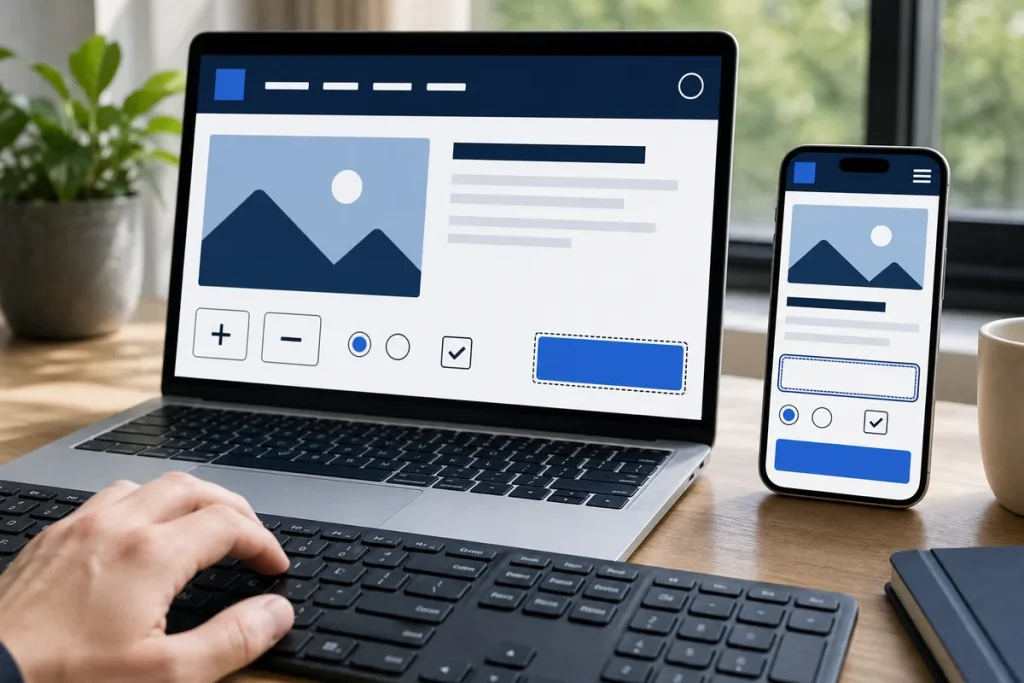
Accessibility is a continuing design, content and development responsibility. Automated tools can find some issues, but they do not replace keyboard testing, screen-reader review or feedback from people with disabilities.
Structure and Navigation
- Use one descriptive page title and a logical heading order.
- Make every essential action reachable by keyboard.
- Keep focus visible and in a sensible order.
- Provide a way to skip repeated navigation where appropriate.
- Use descriptive link and button text.
Content, Forms and Media
- Provide useful alternative text for informative images.
- Label form fields and explain errors clearly.
- Do not communicate meaning with colour alone.
- Provide captions or transcripts where required for media.
- Allow controls for moving, flashing or auto-playing content.
- Write in plain language appropriate to the audience.
Visual and Mobile Checks
- Check text and interface contrast.
- Zoom the page without losing content or controls.
- Test reflow at narrow widths.
- Keep touch targets usable and separated.
- Check dark and light states if the site supports them.
Practical note: Use WCAG 2.2 as the technical reference and seek qualified legal or accessibility advice for obligations that apply to a particular organisation.
Sources & Further Reading
This guide provides general information, not a diagnosis, guarantee or substitute for advice based on your specific devices, systems, contract or site. Confirm scope, inclusions and pricing before making a service decision.