

Managed IT
Small-Business Cyber Security Priorities for 2026
A practical 2026 priority list for accounts, updates, backups, staff, devices and incident readiness in a small Australian business.
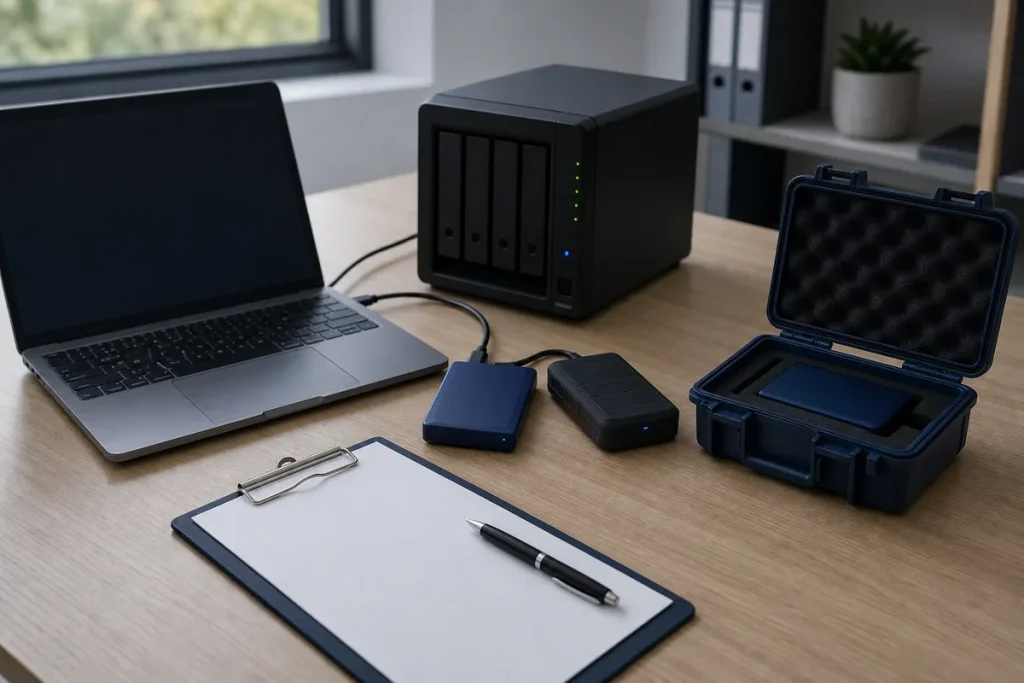
Small-business security works best when the basics are owned, repeatable and visible. In 2026, phishing-resistant sign-in methods and AI-assisted scams deserve attention, but they do not replace patching, backups, access control and staff who know how to stop and verify an unusual request.
1. Protect Important Accounts First
Turn on multi-factor authentication for email, banking, cloud storage, remote access, social accounts and administration systems. Where a service supports passkeys or hardware security keys, these can reduce exposure to password theft and fake login pages. Keep recovery methods current and store emergency administrator access securely.
Give each staff member an individual account. Shared logins make it difficult to remove access cleanly or understand who changed something. Use a password manager for strong, unique credentials where passkeys are not available.
2. Keep an Accurate Device and Software List
You cannot maintain equipment you do not know exists. Record computers, mobile devices, servers, network equipment, important software, owners and support status. Replace or isolate products that no longer receive security updates. Automatic updates are useful, but someone still needs to review failures and test business-critical changes.
3. Back Up for Recovery, Not Just for Compliance
Define what is backed up, how often, where it is stored, how long copies are kept and who checks them. Protect backup administration with MFA and keep at least one recovery path separated from ordinary user access. A successful backup job is not proof of recovery: regularly restore a sample file and periodically rehearse a larger recovery.
4. Reduce Access and Internet Exposure
- Remove accounts promptly when people leave or change roles.
- Give users only the access their work requires.
- Secure remote administration and avoid exposing it directly without appropriate controls.
- Change default network-device passwords and use supported encryption.
- Review third-party suppliers that can reach important systems or data.
5. Train for the Requests That Look Real
AI can make scam emails, voices and documents more convincing. Staff need a separate verification route for bank-detail changes, password-reset requests, gift-card purchases and urgent instructions from executives or suppliers. The process should be simple enough to follow under pressure—for example, call a known number from the customer record, not the number inside the suspicious message.
6. Prepare a One-Page Incident Plan
Write down who can isolate a device, contact the bank, reset accounts, reach the IT provider and decide whether customers or regulators need to be notified. Keep an offline copy. Test the plan with a short scenario so gaps are found before a real incident.
A Manageable First Month
- Week 1: protect email and administrator accounts with strong MFA.
- Week 2: inventory devices, applications and unsupported systems.
- Week 3: verify backups by restoring selected data.
- Week 4: remove stale access and run an invoice-change exercise.
Practical note: Security products are only part of the answer. Clear ownership, review dates and evidence that controls worked are what turn a checklist into an operating system for the business.
Sources & Further Reading
- Australian Cyber Security Centre: Small Business Guidance
- Cyber.gov.au: Multi-factor Authentication—Switch It On
- Cyber.gov.au: Defending Against AI-enabled Cyber Attacks
This is general guidance, not a guarantee of security or legal advice. Controls should be matched to the systems, information, obligations and risk profile of the business.