

Managed IT
Small Business IT Support Checklist
A working checklist for accounts, devices, backups, internet, support ownership and basic cyber hygiene.
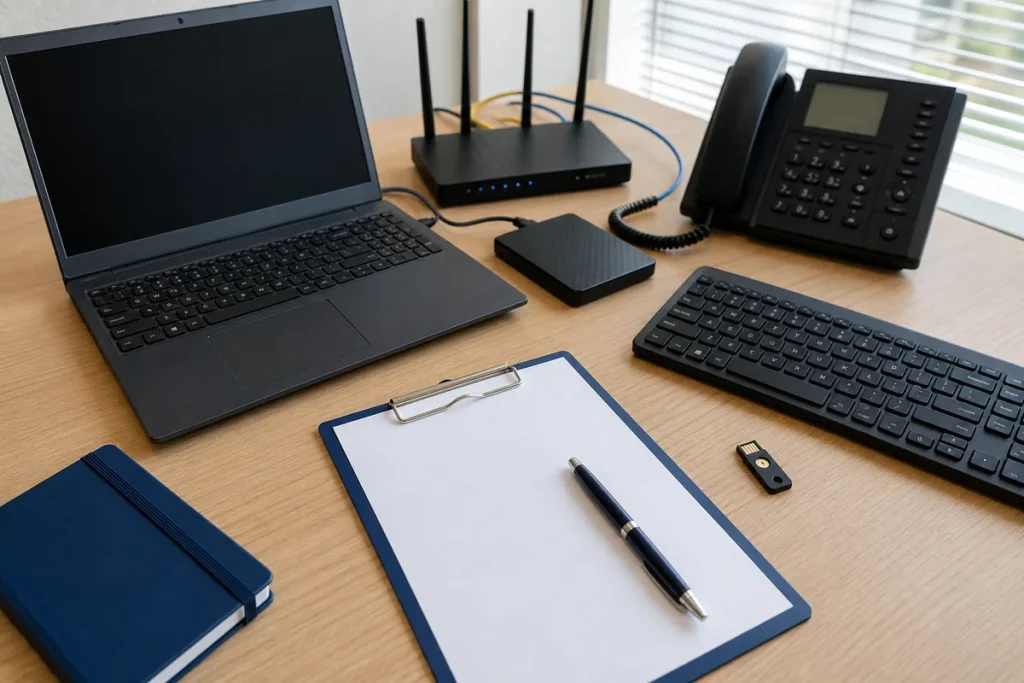
Small-business IT often grows one purchase and one account at a time. A simple register reduces the chance that critical access, renewals or recovery knowledge belongs to one person or is discovered only during an outage.
People, Accounts & Access
- Maintain a current staff and contractor list.
- Use named accounts rather than shared administrator logins.
- Enable multi-factor authentication where supported.
- Record who approves access and who can recover each key account.
- Schedule onboarding and offboarding steps.
Devices, Network & Suppliers
- List computers, phones, tablets, printers and network equipment.
- Record warranty, purchase and replacement information where available.
- Document internet, phone, domain, email and software providers.
- Keep router, Wi-Fi and network diagrams with controlled access.
- Track important renewals and ownership contacts.
Data, Backups & Recovery
- Identify the data that is necessary to keep operating.
- Confirm which systems are backed up and which are not.
- Keep a protected backup separated from the primary environment.
- Test that a representative file or system can be restored.
- Write the order in which services should return after an incident.
Practical note: A green backup status is not the same as a verified recovery. Record when restore testing was last completed and what was actually tested.
Sources & Further Reading
This guide provides general information, not a diagnosis, guarantee or substitute for advice based on your specific devices, systems, contract or site. Confirm scope, inclusions and pricing before making a service decision.