

Remote Support
Remote Support Safety Checklist
Verify who you are speaking with, control the session and protect passwords, payments and accounts.
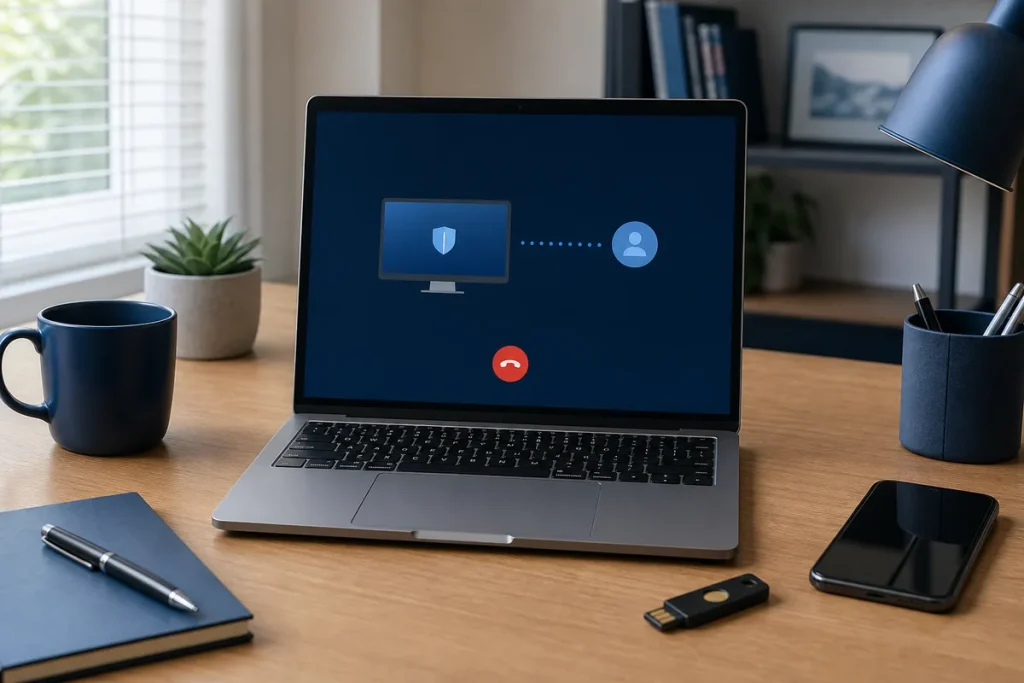
Scammers often create urgency and ask for remote access, banking actions, gift cards, cryptocurrency or security codes. Legitimate support should be explainable, limited to the task and easy for the customer to stop.
Before the Session
- Initiate contact using the provider’s known website or saved number.
- Confirm the business name, technician and purpose.
- Ask which remote tool will be used and why.
- Close unrelated documents, email, finance and password-manager windows.
- Back up important work where practical.
- Do not proceed because of an unsolicited pop-up or inbound call alone.
During the Session
- Stay at the device and watch the actions.
- Do not say passwords or one-time security codes aloud.
- Enter credentials yourself only when you understand the genuine prompt.
- Do not move money, buy gift cards or access banking at the technician’s request.
- Stop the session if the work no longer matches the agreed purpose.
After the Session
End the remote tool, remove unattended access unless it was specifically agreed, review changes and keep the service record. If the session may have been fraudulent, disconnect the device from networks and contact the bank and relevant authorities through independently verified channels.
Practical note: My IT Shop’s remote support should be arranged through its known contact paths. Do not trust caller ID, search ads or pop-ups as proof of identity.
Sources & Further Reading
- Scamwatch: Account or Identity Takeover Scams
- Australian Cyber Security Centre: Small Business Cyber Security
This guide provides general information, not a diagnosis, guarantee or substitute for advice based on your specific devices, systems, contract or site. Confirm scope, inclusions and pricing before making a service decision.