

Device Repairs
Data Backup Before Device Repair Checklist
Prepare important data, account recovery and privacy before a phone, tablet or computer is repaired.
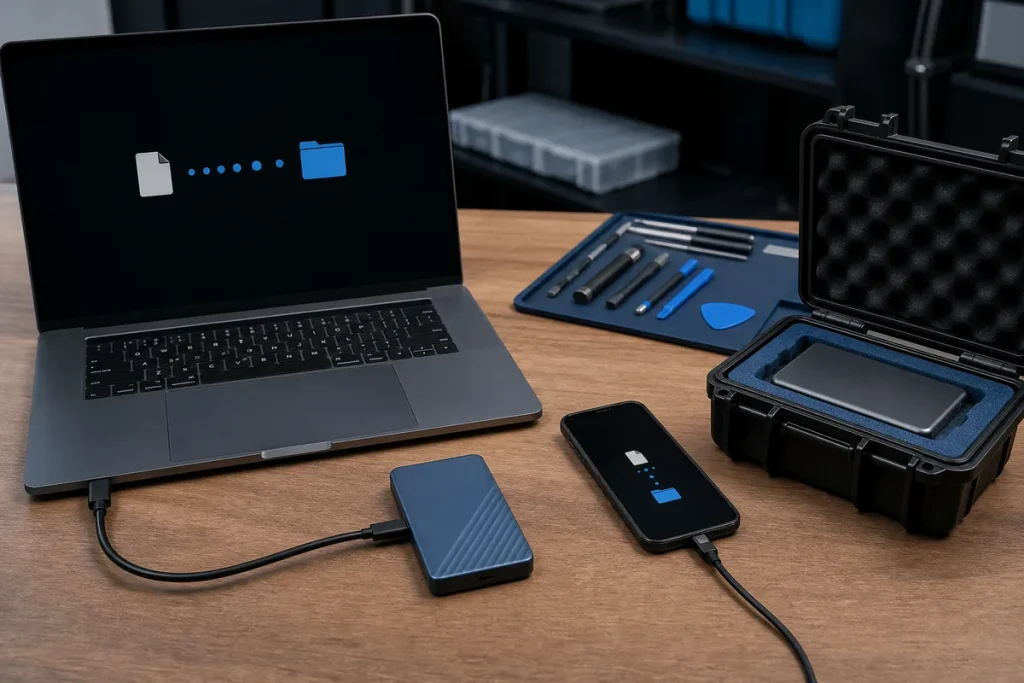
Many repairs do not require data deletion, but no repair process can make data risk zero. Preparation also reduces delays when a device needs replacement, reset or account verification.
Create and Verify a Copy
- Back up photos, documents, contacts and application data that matter.
- Confirm the backup completed and open representative files.
- Check whether cloud syncing includes every important folder.
- Record when the backup was made and where it is stored.
- Keep another protected copy for irreplaceable data where practical.
Prepare Accounts and Privacy
- Confirm the Apple, Google, Microsoft or other account recovery method.
- Record encryption or recovery keys securely.
- Remove payment cards or use a maintenance mode where the platform supports it.
- Sign out of unneeded sensitive apps when practical.
- Never send passwords in a public form or ordinary email.
Know When Not to Force a Backup
Clicking drives, repeated storage errors, severe liquid damage or a device that disconnects can get worse with continued use. Tell the technician the data is the priority before approving ordinary repair or reset steps.
Practical note: A backup and a data-recovery attempt are different. Recovery may be uncertain and should be assessed before actions that overwrite or further stress the storage.
Sources & Further Reading
This guide provides general information, not a diagnosis, guarantee or substitute for advice based on your specific devices, systems, contract or site. Confirm scope, inclusions and pricing before making a service decision.