

Device Repairs
Water-Damaged Device: Safe First Steps
Reduce avoidable risk after liquid exposure and preserve options for assessment or data recovery.
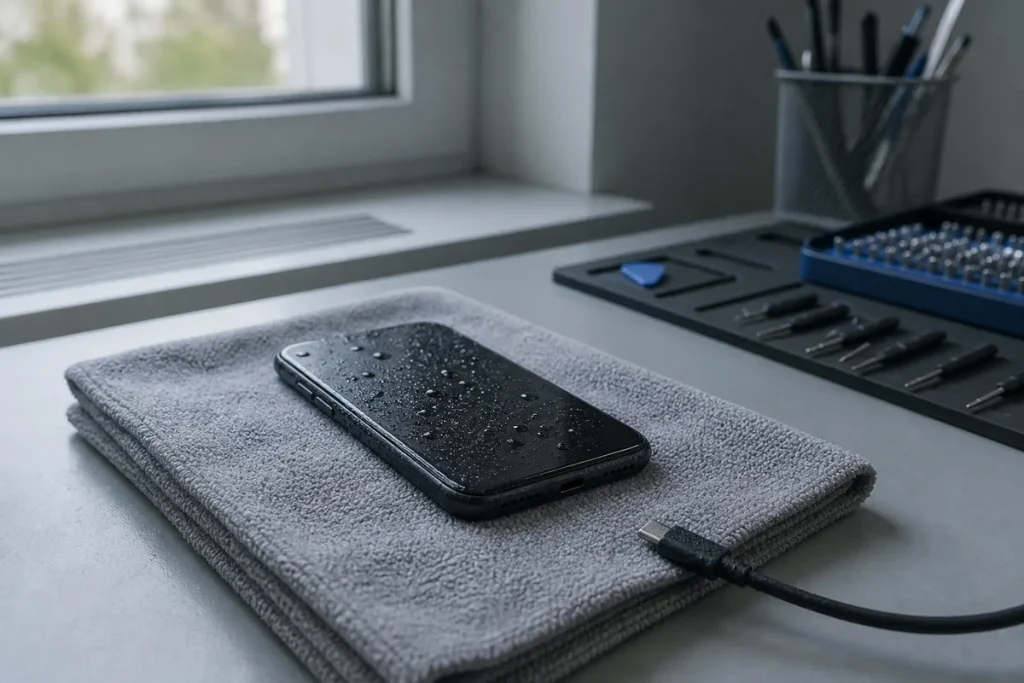
Liquid can cause an immediate short circuit or delayed corrosion. A device that briefly works after getting wet is not proof that internal components are dry or undamaged.
What to Do
- Disconnect chargers, docks, accessories and removable power where safe.
- Power the device down if it is on and responds normally.
- Wipe external liquid without pushing it into openings.
- Keep the device in a ventilated, dry location.
- Record the liquid type, time, affected area and any attempted charging.
- Prioritise professional assessment when the data is important.
What to Avoid
- Do not charge or repeatedly test the device.
- Do not use an oven, hair dryer or other external heat.
- Do not insert objects into ports.
- Do not rely on rice to remove internal contamination.
- Do not conceal liquid history from the repairer.
Set the Repair Goal
Tell the repairer whether the priority is safe data recovery, restoring the device, or both. The best process can differ. Backups, device age, contamination and board damage all affect the decision.
Practical note: Swollen, hot, hissing, smoking or physically damaged batteries can be hazardous. Move away from the device if necessary and seek emergency guidance appropriate to the situation.
Sources & Further Reading
This guide provides general information, not a diagnosis, guarantee or substitute for advice based on your specific devices, systems, contract or site. Confirm scope, inclusions and pricing before making a service decision.