

Device Management
BYOD vs Company-Owned Devices: Which Model Fits a Small Business?
Compare personally owned and company-owned device models across cost, privacy, support, data separation and offboarding.
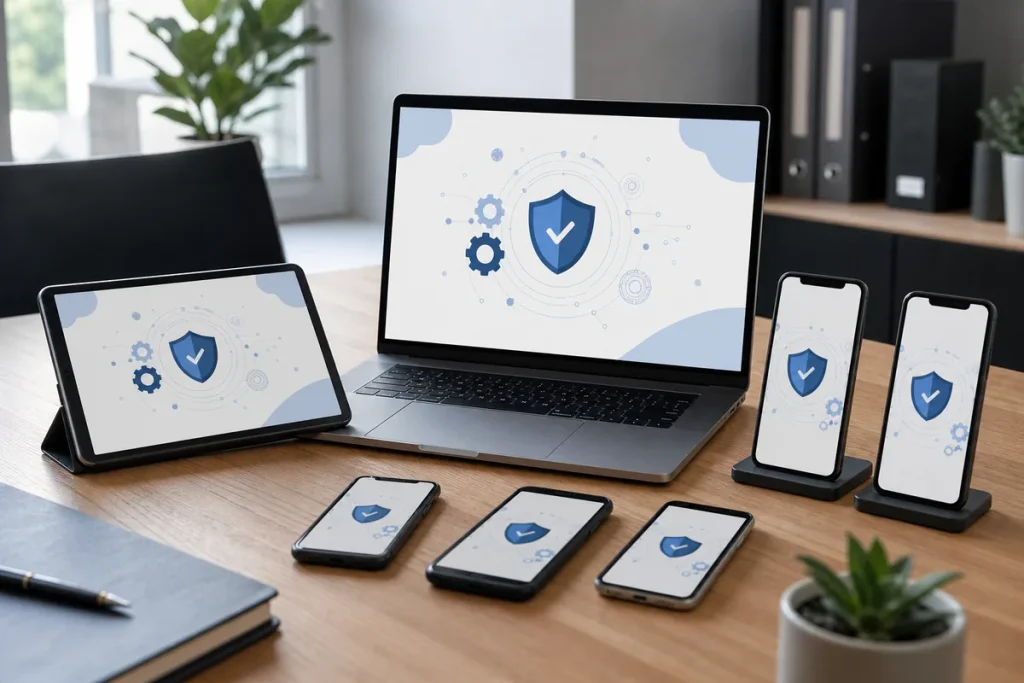
Letting staff use a personal phone or laptop can feel simple because the device already exists. The hidden work appears later: inconsistent software, privacy questions, support boundaries and uncertainty about business data when someone leaves. Company-owned equipment costs more upfront but gives the business clearer control. The right model depends on the work and information involved.
What BYOD Changes
Bring Your Own Device means a personally owned device is used for work. It can improve convenience and reduce the number of devices a person carries, but it also mixes two parties’ interests. The business needs to protect customer and company information, while the employee needs clarity about what can be seen, managed or removed from their personal device.
Australian Cyber Security Centre guidance highlights risks including lost devices, unapproved apps and cloud services, weak separation of personal and work use, and reduced assurance over devices the organisation does not manage.
Where Company-Owned Devices Are Stronger
- Standard models are easier to configure, patch and support.
- Business data can be kept within an approved device and account.
- Security settings, encryption and screen locks can be enforced consistently.
- Lost equipment and staff departures have a clearer recovery process.
- The business can define acceptable use without reaching into someone’s personal life.
The trade-off is purchasing, lifecycle management and responsibility for loss or damage. Those costs should be compared with support time and data risk rather than viewed in isolation.
When BYOD Can Be Reasonable
BYOD may fit occasional access to lower-risk services, particularly on modern phones that support a managed work profile or app-level data protection. It is a poor default when a role handles sensitive customer information, needs specialised software, requires extensive local storage or cannot tolerate a device being unavailable.
A Hybrid Policy Is Often Practical
A business might issue managed laptops for primary work while allowing protected mobile access to email and calendars. This keeps the most important work on company equipment without forcing every small task onto a second phone. The boundary must still be written down.
Questions the Policy Must Answer
- Which roles, device types and versions are allowed?
- What information may be stored locally?
- Are work and personal data separated by a managed profile or application?
- What security settings are mandatory?
- What can IT see or remotely remove?
- Who pays for the device, mobile data, repairs and replacement?
- What happens when the device is lost, compromised or the employee leaves?
- How will business records be retained without copying unrelated personal data?
Choose the Model by Risk, Not Fashion
Map each role to the systems and information it uses. If the organisation needs strong control, rapid offboarding, consistent support or offline access to sensitive information, a managed company device is usually the clearer choice. If access is light and can be contained inside a managed application or work profile, BYOD may be proportionate.
Practical note: Device management is not permission to inspect personal content. Tell users what management can observe and do before enrolment, and obtain appropriate workplace and privacy advice for the policy.
Sources & Further Reading
- Australian Cyber Security Centre: Enterprise Mobility and BYOD
- Cyber.gov.au: Securing Customer Personal Data
- NIST SP 1800-22: Mobile Device Security—BYOD
This guide is general information and not employment, privacy or legal advice. Policy and technical controls should be reviewed for the organisation’s obligations and data.