

Managed IT
Business Data Backup & Recovery Checklist
Move from “we have backups” to a documented, protected and tested recovery process.
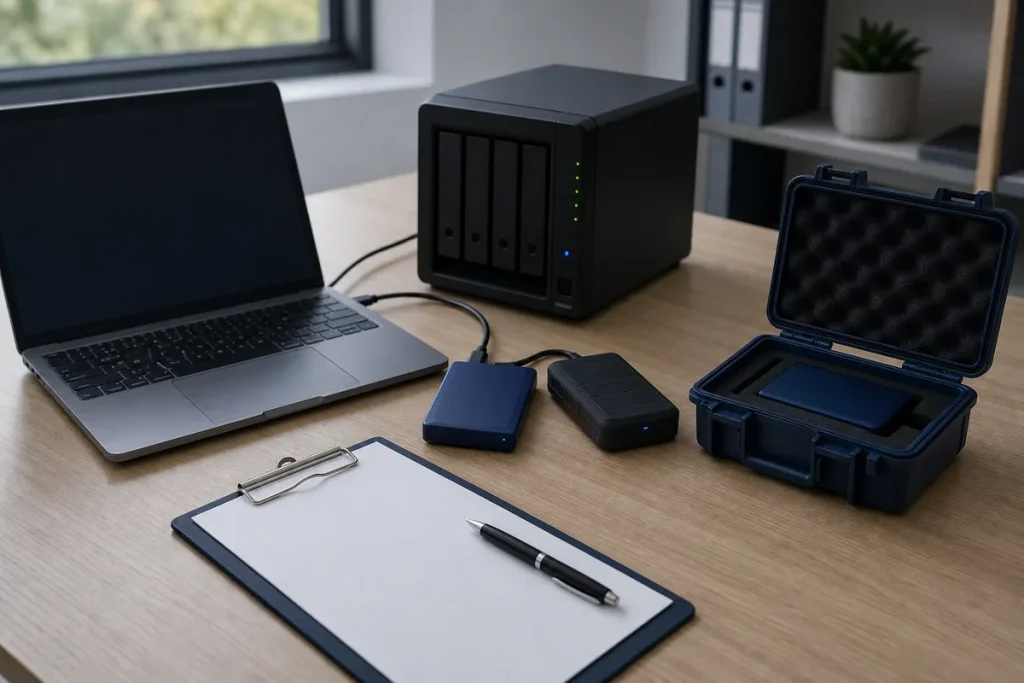
Backups are only useful when the right data is included, the copies remain available after the original system fails, and someone knows how to restore them. Start with business recovery needs, then assess the technology.
Identify What Must Be Recoverable
- Customer, finance, job, email and shared-document data.
- Website files, databases, DNS and configuration information.
- Line-of-business applications and exported configuration.
- Device-only files that are not stored in a managed cloud location.
- Encryption keys, recovery codes and vendor contact details.
Separate and Protect Copies
A backup reachable with the same compromised account can be affected by the same incident. Use access separation, retention and an additional protected copy appropriate to the business risk.
- Monitor failed or incomplete jobs.
- Restrict who can delete or alter backups.
- Protect backup accounts with multi-factor authentication where supported.
- Document retention and storage locations.
- Review what cloud services do—and do not—retain by default.
Test Recovery, Not Just the Backup Job
Restore representative files and, where practical, a full system or application. Record the time, result, gaps and next test date. Recovery order should follow business priorities rather than technical convenience.
Practical note: Avoid claiming a recovery time that has never been tested. Actual time depends on data volume, internet, hardware, access and the type of incident.
Sources & Further Reading
- Australian Cyber Security Centre: Small Business Cyber Security
- WordPress Documentation: WordPress Backups
This guide provides general information, not a diagnosis, guarantee or substitute for advice based on your specific devices, systems, contract or site. Confirm scope, inclusions and pricing before making a service decision.