

Console Repairs
Console HDMI Port Faults: What to Check First
Rule out cable, input and display issues, then recognise signs that the console port or board needs assessment.
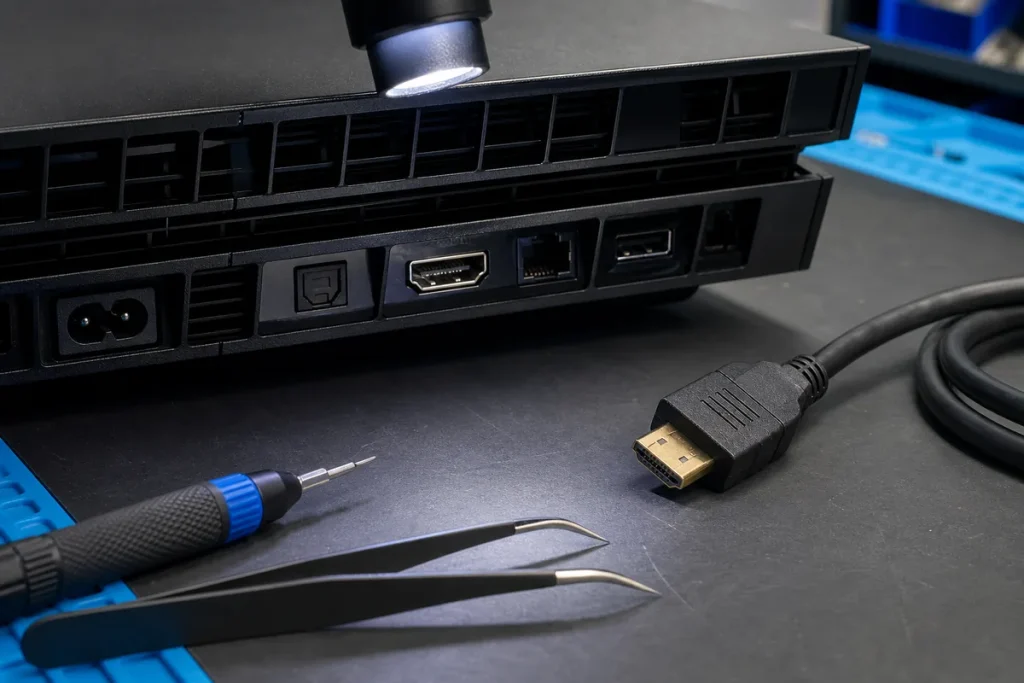
No picture can come from the console, cable, display input, TV settings or the HDMI port and nearby board components. A few non-invasive checks can avoid replacing a good port or causing more damage.
Safe Checks
- Confirm the TV or monitor is on the correct input.
- Reseat a known-good HDMI cable with power off.
- Test another compatible display and cable where available.
- Inspect the port with a light for obvious movement, bent contacts or debris.
- Note whether the fault followed an impact, cable pull, storm or update.
Stop and Seek Assessment When
- The port moves in the housing.
- Pins appear bent, missing or pushed back.
- The plug no longer fits normally.
- The console shows image only when the cable is held at an angle.
- There is burning, heat, liquid exposure or other physical damage.
What to Bring
Bring the console, power cable and a controller. If the fault may involve a dock, adapter or unusual display setup, bring those components too. Explain every test already performed.
Practical note: HDMI port replacement can require board-level soldering and inspection for damaged pads or nearby components. Avoid forcing the cable or attempting heat-based repair without suitable equipment.
Sources & Further Reading
This guide provides general information, not a diagnosis, guarantee or substitute for advice based on your specific devices, systems, contract or site. Confirm scope, inclusions and pricing before making a service decision.