

Device Repairs
Phone or Tablet Screen Repair vs Replace
Compare device age, total condition, data, part options and replacement cost before deciding.
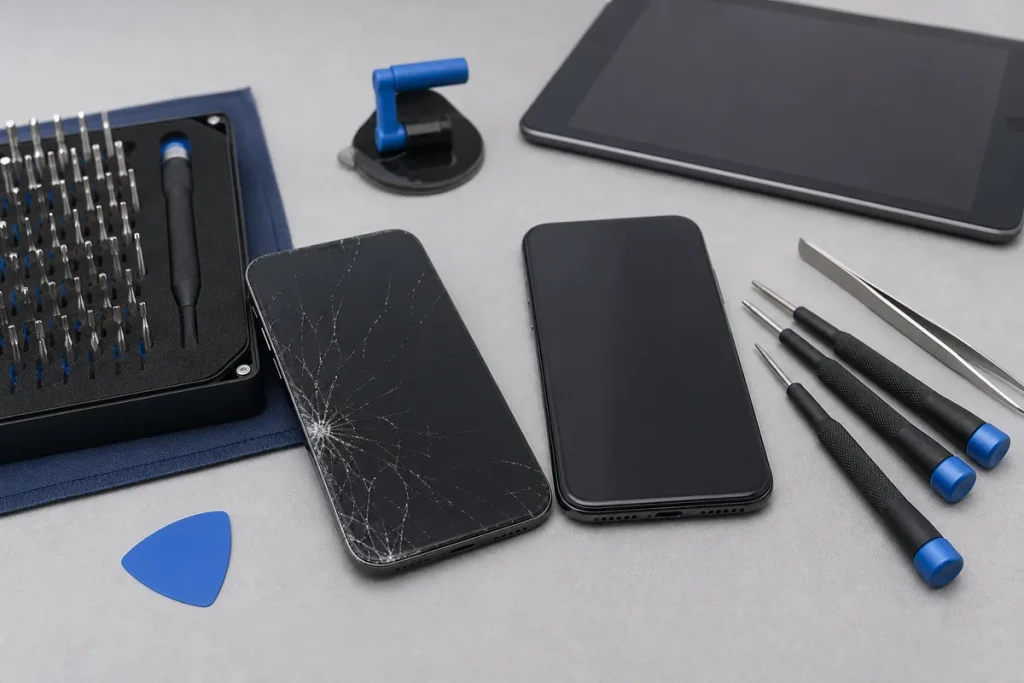
A cracked display is visible, but it may not be the only damage. A useful assessment checks touch, image, frame, cameras, battery condition, charging, biometrics and any liquid or impact history.
Information to Gather
- Exact brand, model and storage capacity.
- Whether the image and touch still work.
- Frame, housing, camera or rear-glass damage.
- Battery and charging condition.
- Any liquid exposure or previous repairs.
- Whether important data is backed up.
Compare the Whole Decision
- Repair price and available part options.
- Current replacement price for a genuinely equivalent device.
- Remaining software and security support.
- Other faults likely to need attention.
- Data transfer, setup and accessory replacement costs.
- Warranty terms for the chosen repair or replacement.
Protect Data Before Work
Back up the device where possible, record recovery methods and remove unneeded sensitive information. Do not keep using a screen with lifting glass, exposed edges, heat, swelling or signs of battery damage.
Practical note: Repair pricing depends on model, fault, part quality and availability. My IT Shop confirms the practical repair path and quote after checking those details.
Sources & Further Reading
This guide provides general information, not a diagnosis, guarantee or substitute for advice based on your specific devices, systems, contract or site. Confirm scope, inclusions and pricing before making a service decision.