

Computer Repairs
Slow Computer: Repair, Upgrade or Replace?
Use symptoms, hardware, software support, workload and data risk to choose the next step.
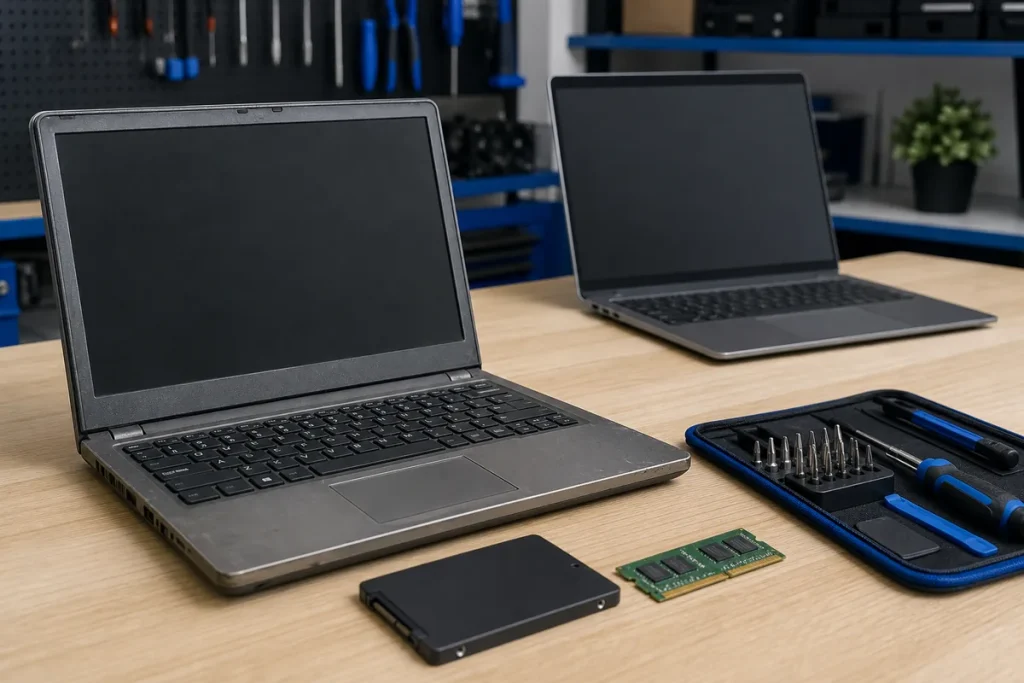
“Slow” can describe long startup, freezing, poor internet, a failing drive, too little memory, overheating or one demanding application. Record the exact symptom before buying parts or replacing the computer.
Check the Pattern
- Is startup slow, or only one program?
- Does the machine freeze, restart or show storage errors?
- Is performance worse on battery or under load?
- Is the disk nearly full?
- Does the problem follow a recent update or new software?
- Is the apparent slowness actually the internet or Wi-Fi?
When an Upgrade Can Be Sensible
An SSD can transform a machine still using a mechanical hard drive, and additional memory can help workloads that genuinely exhaust RAM. Compatibility, existing hardware condition and operating-system support should be checked first.
When Replacement May Be Better
- Multiple expensive faults or liquid damage.
- An unsupported operating system with no suitable upgrade path.
- Performance needs beyond the platform’s practical capacity.
- Poor battery, screen and chassis condition combined.
- Repair and setup cost close to an appropriate replacement.
Practical note: Back up important data before diagnostics, upgrades or replacement. If the storage device may be failing, minimise unnecessary use and take a recovery-first approach.
Sources & Further Reading
This guide provides general information, not a diagnosis, guarantee or substitute for advice based on your specific devices, systems, contract or site. Confirm scope, inclusions and pricing before making a service decision.